About This Game
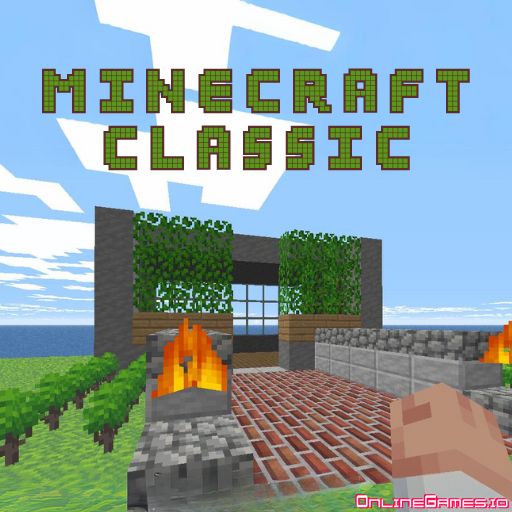
All times best-selling game Minecraft is now available on your browser for free. Minecraft Classic is a player-driven sandbox game with endless possibilities. If you like playing games that improve creativity, you will find a lot to enjoy in this game. This version of Minecraft is filled with so many details, options, and features that you will not miss any feature of the original Minecraft game. You are free to dig, carve and build whatever you like: a mansion for yourself or a whole new city. It's all in your hands. There are no monsters, enemies, or urgency to gather resources. Take it easy and discover the stress-free world of crafting. You can play this game consisting of a creative mode of Minecraft for free on OnlineGames.io without downloading a single file.
How to Play Minecraft Classic?
- • Open Minecraft Classic on OnlineGames.io and start generating a new level.
- • There are two kinds of land: Flatgrass and Vanilla.
- • Flatgrass is an open world on a large flat map filled with grass, as the name suggests.
- • The Vanilla Map has a more diverse environment in terms of geography. This heaven-like map has plants, lakes, and even a beach.
- • After entering the map, feel free to explore every part of it. Left-click to break and right-click to build blocks around.
- • Minecraft Classic is a highly customizable game. You can change almost anything in the game to your preferences.
- • There are also nostalgia options that allow you to feel like you're playing pre-classic Minecraft.
Explore, Imagine and Build Your Dreams
- • There are no levels, no mission to accomplish. The sky is the limit in Minecraft Classic.
- • Explore a large map filled with numerous kinds of blocks.
- • You have 65 different types of materials to choose from.
- • Don't worry about running out of materials. You have unlimited resources.
Blocks, Mines, Plants Options
- • Press B to access the blocks menu. Choose favorites and add them to hotkeys.
- • Various blocks available: Stone (1), Grass (2), Wood (5), Water (8), Lava (10), etc.
- • Color blocks: Red (21), Blue (29), Green (25), etc.
Don't Forget to Save Your Progress
- • Save progress in browser cache or download to computer.
- • Press ESC and hit "save level..." to save.
- • Load .cw file to continue where you left off.
Controls
- WASD: Move
- Left-Click: Break
- Right-Click: Place
- Z: Fly
- B: Open inventory
- ESC: Open menu
More Games Like Minecraft Classic
Try MiniBlox.io or explore other Crafting Games and Block Based Games on OnlineGames.io.